Desk Posture Basics: What It Means and Why It Matters
Desk posture basics are the general principles for how a person positions their head, spine, shoulders, arms, hips, and feet while sitting at a work surface. In plain terms, it means arranging your body and workspace so no single joint or muscle group carries more strain than it needs to for long stretches. Below is what the idea means, when it applies, how it differs from similar terms, and why it can shape everyday decisions about your workspace.
The Precise Meaning of Desk Posture
Desk posture refers to the way your body is arranged while you sit and work. It includes the angle of your neck, the curve of your back, the position of your shoulders, the bend of your elbows, hips, and knees, and where your feet rest. It is not one fixed shape. It is a set of relationships between body parts and the equipment around them.
Neutral position as the usual reference point
Many workplace health resources describe a "neutral" position as a reasonable starting reference. Neutral generally means joints sit near the middle of their comfortable range rather than at the extreme end. According to the U.S. Occupational Safety and Health Administration (OSHA) general guidance on computer workstations, a neutral arrangement is typically associated with a relaxed upper body, supported lower back, and forearms roughly level with the work surface.
A quick plain-language note on terms: "neutral spine" simply refers to the natural, gentle curves of the back that appear when you stand comfortably. It does not mean rigid or perfectly straight.
Posture is dynamic, not a single pose
One idea that comes up often is that the best posture is the next one. Bodies are built to move, and staying in any one position for a long time tends to become tiring, even if that position looks ideal in a diagram. Think of posture like holding a bag of groceries: carrying it a short distance is easy, but even a light load becomes uncomfortable if you never shift or set it down. That is the only analogy this article needs, and it points to why variety and breaks matter as much as the starting setup.
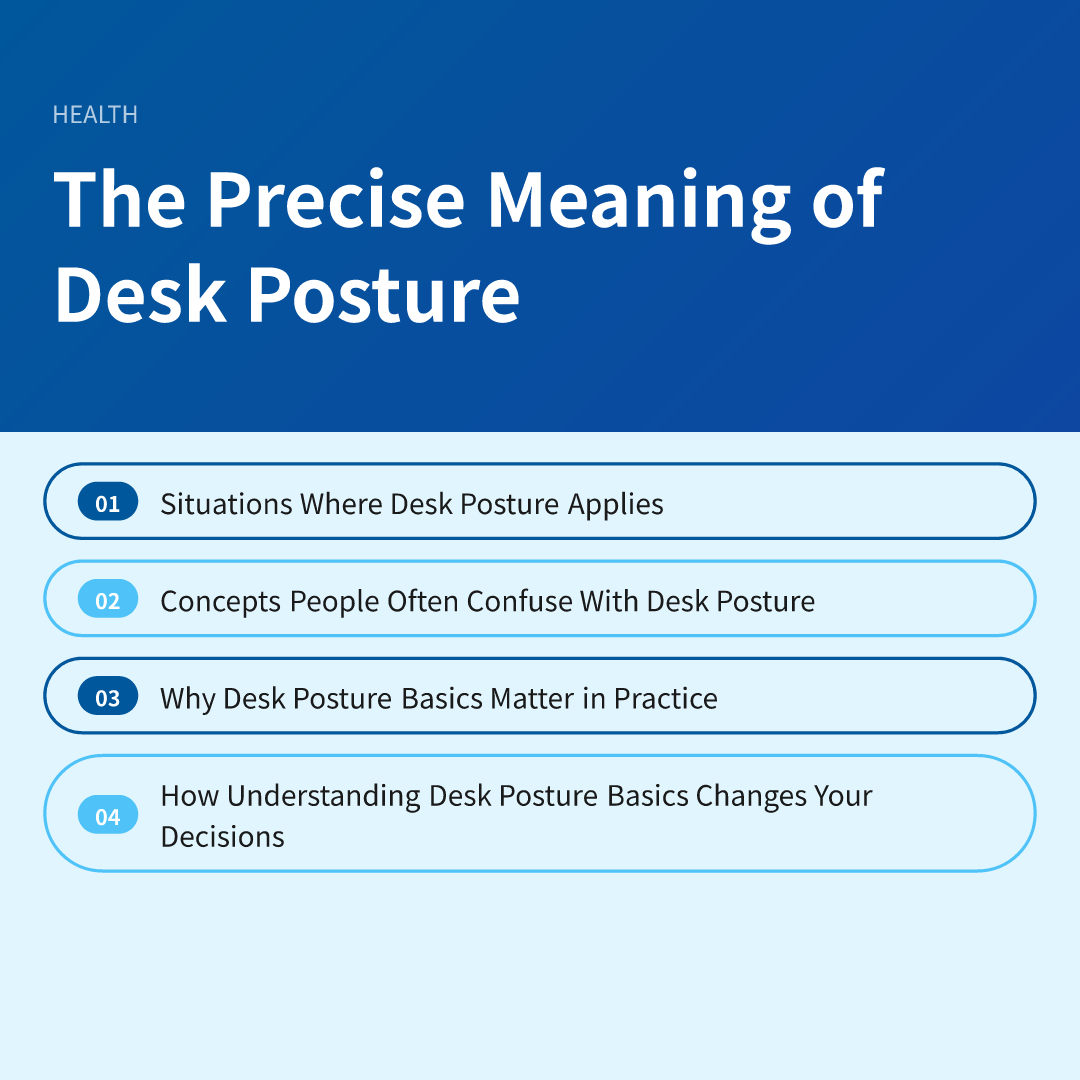
Situations Where Desk Posture Applies
Desk posture is relevant anywhere someone sits for extended periods with their hands, eyes, or attention directed at a fixed spot. That includes office jobs, home offices, school desks, gaming setups, and kitchen-table work on a laptop. It also applies to people who switch between locations during the day.
Common settings
- Traditional office desks: Fixed chairs and monitors where the setup is shared or standardized.
- Home workspaces: Improvised arrangements using dining chairs, couches, or beds, which often lack adjustability.
- Laptop-heavy work: Screens and keyboards that are attached to each other, which can force a trade-off between neck and wrist positions.
- Students and younger users: Furniture sized for adults may not fit smaller bodies well.
- Standing or sit-stand desks: The same principles apply, though the body parts under load change.
Who may need extra attention
Some people may find posture more noticeable than others. Those who are pregnant, recovering from an injury, living with a long-term musculoskeletal condition, or who are much taller or shorter than standard furniture assumes often need adjustments beyond general advice. Individual needs vary, and a qualified professional such as a physical therapist or occupational health provider can look at a specific situation in ways a general article cannot.
Concepts People Often Confuse With Desk Posture
Several related terms get used interchangeably, which can make advice confusing. Separating them helps you understand which problem you are actually trying to address.
Posture versus ergonomics
Posture describes how your body is arranged. Ergonomics is the broader practice of fitting a workspace, tools, and tasks to the person using them. Ergonomics includes chair design, monitor height, lighting, task scheduling, and break patterns. Good posture is one result that a well-fitted setup can support, but a setup can be well designed and a person can still slump in it, or the reverse.
Posture versus "sitting up straight"
A common belief is that perfect posture means a rigid, upright back held at all times. General guidance from health agencies tends to emphasize supported, comfortable positions and regular movement rather than stiff effort. Forcing yourself into an upright stance can itself become tiring, and it may not be what your body needs.
Posture versus pain
Posture and discomfort are related in many people's experience, but the link is not simple. Discomfort can come from many sources, including muscle tension, stress, sleep, prior injury, or medical conditions. Research on this topic has produced mixed pictures, and it would be inaccurate to say that one posture reliably causes or prevents pain. It is reasonable to treat posture as one factor among several rather than the single explanation.
Posture versus products
Posture braces, cushions, and gadgets are widely marketed, but claims about them vary in quality. If you are considering a device meant to correct or support your body, a pharmacist, physical therapist, or physician can help you weigh whether it suits your situation. Results differ between people, and no product can promise a particular outcome.
Why Desk Posture Basics Matter in Practice
Most people sit for a large part of the workday, so small habits repeat many times. According to the Centers for Disease Control and Prevention (CDC) general workplace health guidance, long periods of sitting without movement are generally discouraged, and regular changes of position are encouraged. The point is not to chase an ideal pose but to reduce prolonged, repeated strain on the same areas.
The body areas most often involved
- Neck and upper back: Often affected when a screen sits too low or too far forward, pulling the head ahead of the shoulders.
- Shoulders: May lift or round when a keyboard or mouse is too high or too far away.
- Lower back: Can feel unsupported when a chair lacks adequate back support or when the seat is too deep.
- Wrists and forearms: May be bent or unsupported when the keyboard height does not match the elbow position.
- Hips, knees, and feet: Can feel pressure when feet dangle or the seat edge presses behind the knees.
Workspace features commonly discussed
General workstation guidance from OSHA and similar agencies commonly mentions a few adjustable features. These include a chair that supports the lower back, a seat height that lets the feet rest flat or on a footrest, a monitor positioned near eye level and about an arm's length away, and a keyboard and mouse placed close enough that the upper arms can hang relaxed. These are starting points rather than rules, and what feels comfortable can differ from person to person.
Movement, breaks, and variety
Many workplace health resources stress that changing position and taking short movement breaks matter as much as the initial setup. Standing, walking briefly, stretching gently, or simply shifting in the chair can all break up long periods in one position. How often and how long depends on your job, your body, and any guidance from a healthcare professional you may be working with.
Signs that call for professional input
Adjusting a workspace is a reasonable first step for mild, occasional stiffness. Some symptoms deserve a conversation with a qualified clinician rather than more self-adjustment. Consider seeking care if you notice any of the following:
- Numbness, tingling, or weakness in the arms, hands, or legs
- Pain that persists, worsens, or wakes you at night
- Pain that follows an injury or fall
- Headaches that keep recurring along with neck tension
- Sudden, severe symptoms, or symptoms accompanied by fever, loss of bladder or bowel control, or unexplained weight loss, which call for prompt medical attention
A clinician can consider your history and examine you in ways that general information cannot. If a workplace provides an occupational health service or an ergonomic assessment, that may also be worth asking about.
How Understanding Desk Posture Basics Changes Your Decisions
Once the core idea is clear, two practical shifts in judgment tend to follow. They are not rules, just a clearer way to think when you look at your own workspace and habits.
- You stop chasing one perfect pose and start valuing variety. Because posture is dynamic, the question moves from "Am I sitting correctly right now?" to "Am I changing position and moving often enough, and does my setup let me do that comfortably?" That reframing makes it easier to judge a chair, desk, or habit by how it supports movement rather than by how it looks in a photo.
- You separate setup problems from problems that need a professional. Knowing that posture is only one factor among several helps you decide when a workspace tweak is a sensible response and when persistent or unusual symptoms point toward a conversation with a clinician instead of another gadget or stretch routine.
Keep in mind that this overview describes general patterns, and your own needs may differ. Understanding desk posture basics gives you a framework for noticing what your body and workspace are telling you, while leaving personal decisions to you and the qualified professionals who can assess your situation.
Disclaimer: This article is for informational purposes only and is not a substitute for professional medical advice, diagnosis, or treatment. Please consult a licensed professional for personal health decisions.
Related reading: How Posture Affects Back Comfort in Daily Life